
Best Focus Timer: Why a Lock Beats a Countdown
Most focus timer apps are countdowns you can ignore. Here's an honest comparison of the leading focus timer apps, and why a lock beats a countdown.
 CollinFounder, OneTabFocus10 min read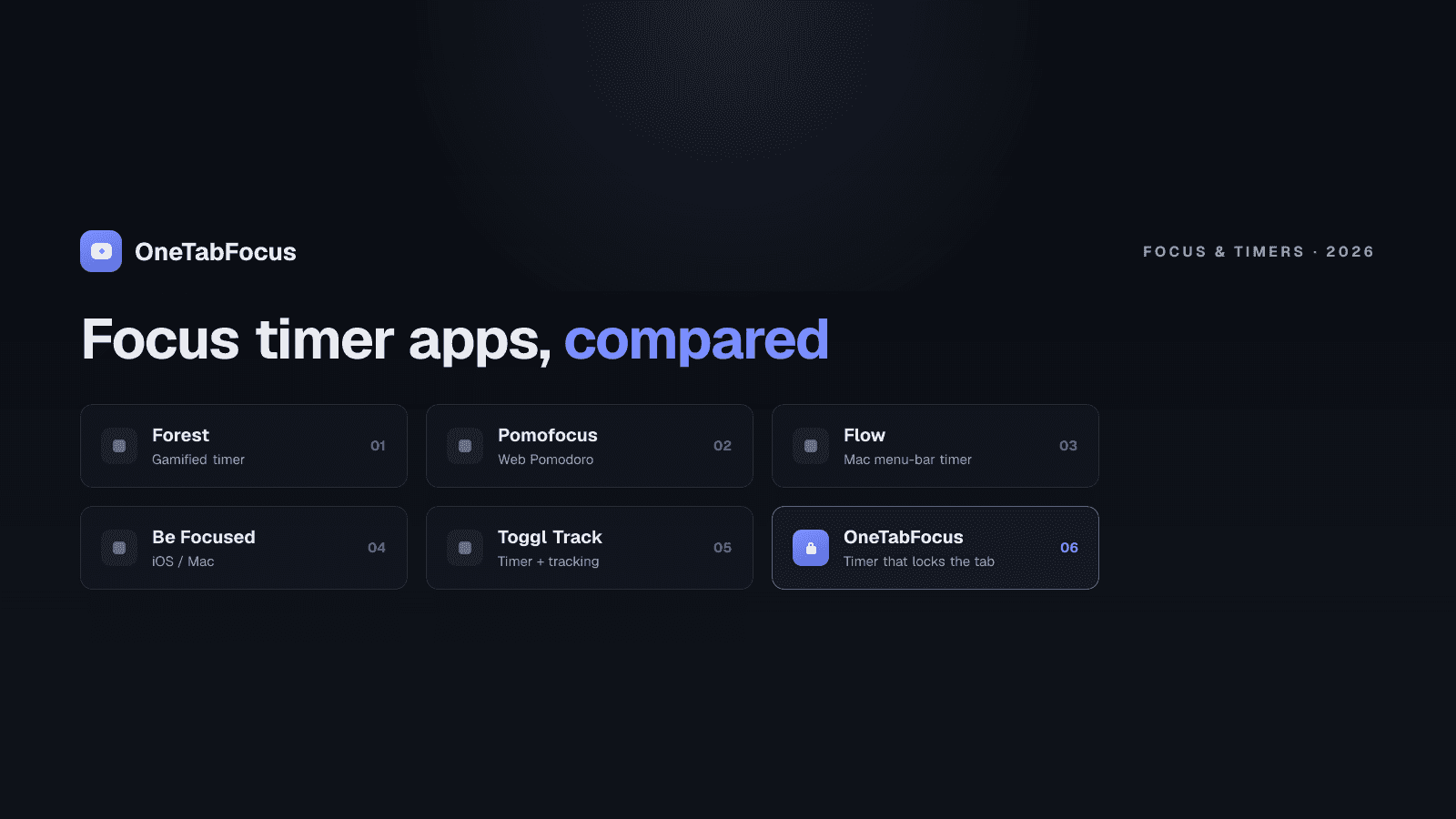
On this page
Two models of focus timer
A focus timer falls into one of two categories.
Countdown timers run a configurable focus interval — usually a Pomodoro's 25 minutes — and notify you at the start and end of each phase. The timer is informational. It does not prevent you from opening a new tab, jumping to a different app, or scrolling Twitter for fifteen minutes during the "focus" phase. The 95% of focus timer apps on the market today are countdowns: Forest, Focus Keeper, Pomofocus, Focus To-Do, Be Focused, Marinara. Useful tools if you already have the discipline; insufficient if you don't, which is why the Pomodoro mode most readers actually need also includes a lock.
Lock-based focus timers hold the browser or device to your task tab while the timer runs. The countdown is still there, but it sits on top of a real enforcement layer — for the duration of the focus phase, nothing else is reachable. The few tools in this category are Cold Turkey (which locks at the OS level on Windows and macOS) and OneTabFocus (which locks Chrome to your task tab plus reference tabs for the focus duration). This category is small because building real enforcement is harder than rendering a countdown.
The rest of the post compares the leading tools in both categories, explains when each is right, and tells you why the lock model is the better default for the focus-block use case the Pomodoro mode at the browser level is built for.
The countdown problem
The Pomodoro Technique works when you stay in the focus phase for the full 25 minutes. That is its entire mechanism. The break is the reward; the focus interval is the practice. Skip the focus discipline and the technique reduces to a glorified break timer.
A countdown timer leaves the focus discipline to willpower. You start the timer, the countdown begins, you intend not to switch tabs, and then twenty seconds later a Slack notification arrives, you check it "just for a second," and you have lost the Pomodoro. Gloria Mark's research at UC Irvine puts the average recovery time after a single interruption at 23 minutes and 15 seconds. The Pomodoro is gone before the timer reads 21:00.
This is why the same complaint shows up in reviews of every popular countdown timer: "I started using it, lasted three days, drifted away." The timer didn't fail; the enforcement layer was never there. A focus timer that just notifies is asking the wrong question — it assumes the problem is knowing when to start and stop, but the real problem is what happens between those boundaries — and every switch leaves attention residue, Sophie Leroy's finding that part of your attention stays stuck on the thing you switched away from, making the work you return to slower and worse.
The leading countdown timers
The five countdown apps worth knowing about, in alphabetical order:
- Be Focused — Mac/iOS Pomodoro timer with task list integration. Clean, minimalist, paid one-time. Best for Apple-ecosystem users who want a native app rather than a browser extension.
- Focus Keeper — Pure Pomodoro countdown with detailed statistics. Available on iOS, Android, and as a web app. Free with paid premium. Best for people who want a clean dedicated timer with no other features.
- Focus To-Do — Task manager plus Pomodoro hybrid. Free with $2.99/month premium. Best for users who want every Pomodoro logged against a specific task.
- Forest — Gamified Pomodoro with a virtual tree that grows during focus and dies if you leave. $1.99 one-time on mobile, also available as a Chrome extension. Best for gamification-motivated users; the company plants real trees through reforestation partners.
- Pomofocus — Web-based Pomodoro app with a clean dashboard. Free. Best for users who want a no-install Pomodoro they can open in any browser tab. Also runs in the browser itself, which is where the enforcement gap shows up.
All five run a real Pomodoro rhythm well. None of them prevents you from switching tabs during the focus phase, because none of them has access to that enforcement layer. They are good notifications wrapped around a good rhythm.
The lock-based alternative
Two tools in the lock-based category, in 2026:
- Cold Turkey — Windows and macOS desktop app. Locks at the OS level, blocking apps and websites entirely during a focus session. $39 one-time for the Pro version, which adds Pomodoro mode, scheduled blocks, and application blocking. The toughest blocker on either platform. Best for serious writers and programmers who want the laptop locked down for hours of deep work.
- OneTabFocus — Chrome extension. Locks the browser to your task tab plus a small set of reference tabs for a chosen duration, with built-in Pomodoro mode that holds the lock through breaks. Free + $24/yr Pro. Best for knowledge workers, students, and anyone whose work and distractions both live in Chrome.
The two are complementary, not competing. Cold Turkey is desktop-wide; OneTabFocus is browser-specific. Many serious users run both — Cold Turkey for the writing app, OneTabFocus for the browser-heavy work.
Comparison table
| App | Category | Pricing (May 2026) | What it does | Best for |
|---|---|---|---|---|
| Be Focused | Countdown | Free + paid one-time | Pomodoro + task list, Mac/iOS native | Apple-ecosystem users wanting a native app |
| Focus Keeper | Countdown | Free + premium | Pure Pomodoro countdown with statistics | Clean, dedicated timer fans |
| Focus To-Do | Countdown | Free + $2.99/mo | Pomodoro + full task manager | Per-task time tracking |
| Forest | Countdown | $1.99 one-time | Gamified Pomodoro, plants real trees | Gamification motivation |
| Pomofocus | Countdown | Free | Web-based Pomodoro dashboard | No-install web Pomodoro |
| Cold Turkey | Lock | $39 one-time | OS-level lockdown with Pomodoro mode | Maximum-rigidity desktop focus |
| OneTabFocus | Lock | Free + $24/yr | Chrome browser lock with Pomodoro mode | Browser-heavy knowledge work |
How to pick
Five common scenarios:
- You already have the discipline to stay in the focus phase and just want a clean countdown. → Install Focus Keeper or Pomofocus. Both are free, both work.
- You want a task manager that logs Pomodoros against specific tasks. → Install Focus To-Do. Premium is worth it if you track per-client time.
- You respond to gamification and want a mobile-cross-device option. → Install Forest. $1.99 well-spent on the tree mechanic.
- You want maximum-rigidity focus on a Windows or macOS desktop for serious writing. → Install Cold Turkey Pro.
- Your work lives in Chrome and you want the timer paired with a real browser lock that holds through breaks. → Install OneTabFocus.
You can combine. A Forest session on mobile for the gym + a Cold Turkey block on the desktop + a OneTabFocus session on the browser is a common stack for serious deep-work practitioners. Each tool covers a different surface.
How OneTabFocus combines timer and lock
OneTabFocus collapses every non-focus tab into a single 'Hidden' chip. Tabs are not closed: audio keeps playing, drafts are preserved, scroll position is preserved.
Pomodoro mode runs configurable focus and break cycles. The lock holds through breaks — you get a pause screen, not a return to distraction. The focus phase resumes automatically.
The two together are the gap most focus timers leave open. The countdown gives you the rhythm; the lock gives you the enforcement; the held-through-break behaviour means a five-minute break stays five minutes and the next focus phase starts with the lock already in place. For the deeper mechanics see the Pomodoro page or the tab lock page. Otherwise install OneTabFocus and run a single 25-minute cycle to feel the difference between a countdown and a lock.
FAQ
What is the best focus timer app?
It depends on what you mean by focus. For a clean Pomodoro countdown, Focus Keeper or Pomofocus. For gamified motivation, Forest. For task management with a timer attached, Focus To-Do. For an actual enforced focus block where the browser is locked during the timer, OneTabFocus is the only Chrome extension that does this well.
What's the difference between a focus timer and a focus app?
Focus timers run a countdown for a focused work interval and notify you at the boundaries. Focus apps add features around the timer — task management, statistics, gamification, music, or browser locking. Almost all of them treat the timer as the core feature; OneTabFocus treats the lock as the core and runs the timer alongside it.
Does a Pomodoro timer alone make me focused?
Only if you can stay in the focus phase by willpower. The Pomodoro Technique works when you stay 25 minutes without switching, but a notification-only timer doesn't enforce that. Pair the timer with a tab lock or a website blocker for the focus phase if you find yourself drifting after the first few minutes.
Is Forest better than Focus To-Do?
Forest is better if gamification motivates you and you want cross-device focus tracking with a tree-planting mission. Focus To-Do is better if you want every Pomodoro logged against a specific task with deep statistics. Neither enforces the focus phase; for that, pair either with a tab lock like OneTabFocus.