
Website Blocker vs Tab Lock — What Works Better?
Website blockers maintain a list of sites; tab locks remove the choice for a block of time. Here's an honest comparison and which model fits which problem.
 CollinFounder, OneTabFocus9 min read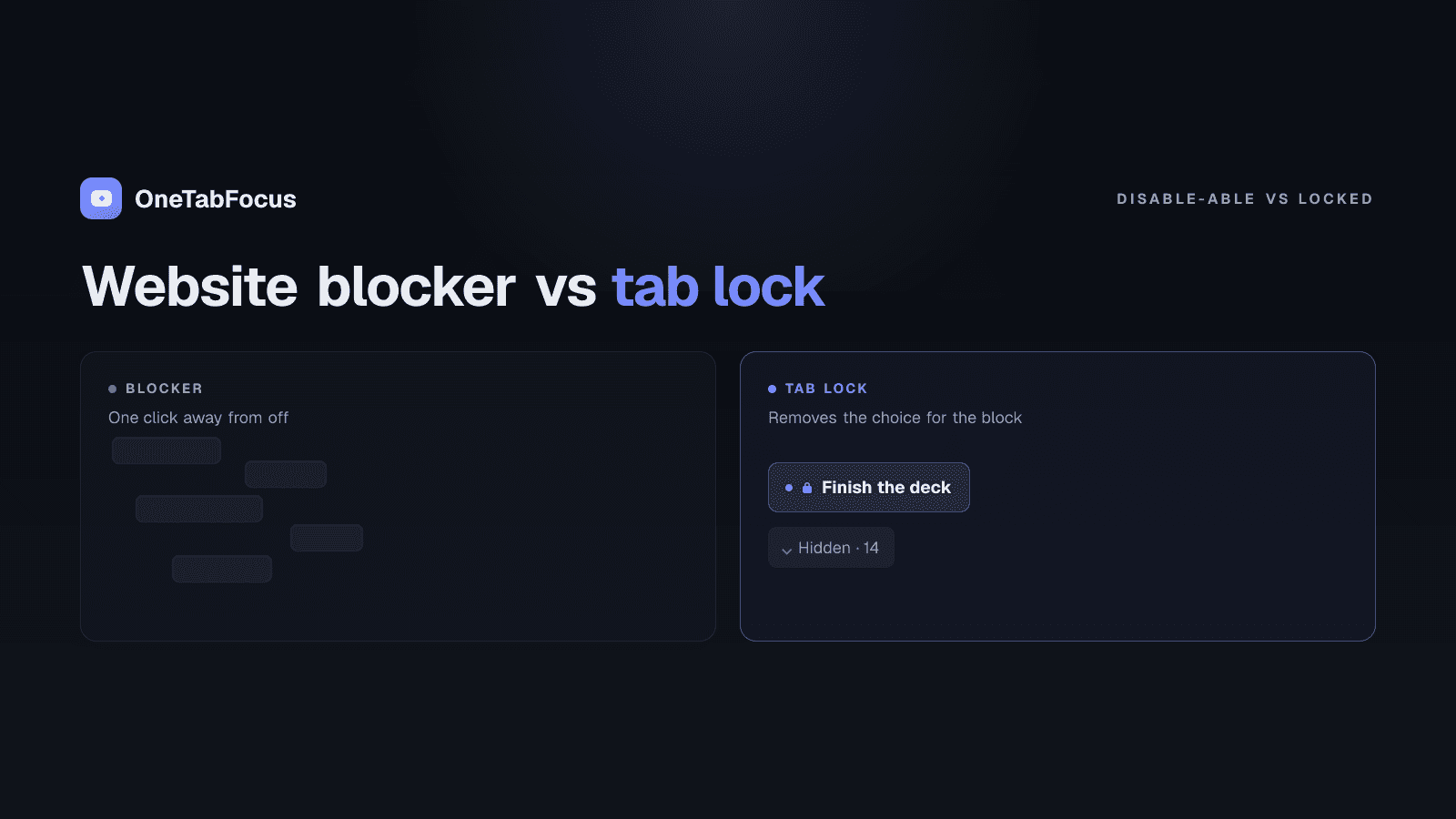
On this page
Two models, two different problems
The "block distractions to focus" advice you have heard for fifteen years is one model: identify the sites that waste your time and prevent your browser from loading them. StayFocusd, BlockSite, Freedom, and Cold Turkey are all implementations of that model. They differ in price, scope, and rigidity, but the underlying mechanism is the same — a list of URLs, denied during a chosen window.
The other model — a tab lock — is newer: don't block individual sites, lock the whole browser to your task tab (plus a small set of reference tabs you actually need) for the duration of a focus block. Nothing outside your focus group is reachable for that window, regardless of whether it would have made the blocklist. Most "website blocker" round-ups skip this category because it doesn't fit the same model.
Both models exist because interruption is expensive. Gloria Mark's research at UC Irvine puts the average recovery time after a single interruption at 23 minutes and 15 seconds, and Sophie Leroy's work on attention residue shows that switching tasks leaves part of your attention stuck on the previous one. A focus block that gets pierced even once rarely recovers cleanly — which is why the enforcement model you pick matters.
The post compares both models on what they actually do, names the use cases each fits, and tells you when to install one or the other (or both).
How each model works
Website blockers (StayFocusd, BlockSite, Freedom, Cold Turkey)
A website blocker takes a list of URLs and refuses to load them when your browser requests them. The variations across the four leading tools come down to scope, override resistance, and platform reach.
- StayFocusd — free, Chrome-only, time-budget model (set a daily allowance per site, blocked once exhausted). Nuclear mode locks the list for a chosen duration with no override during the block.
- BlockSite — paid (free tier capped at three sites since 2024), cross-device sync, category filtering, password protection, scheduling.
- Freedom — $3.33/month annual or $199 lifetime, cross-platform (Chrome, mobile, Windows, macOS), Locked Mode prevents early session end.
- Cold Turkey — $39 one-time for Pro, Windows and macOS desktop only, the toughest-to-bypass blocker with a "Frozen Turkey" mode that locks the entire computer.
All four share the model: a list of URLs, blocked during a window. They differ in how hard the block is to defeat and in what platforms they cover.
Tab lock (OneTabFocus)
OneTabFocus is a Chrome extension that locks the browser to one tab — or a small set of reference tabs — for a chosen duration. The list of "what is blocked" is the inverse of a blocklist: instead of naming distractors, you name the tab(s) you want to keep. Everything else in the strip is collapsed into a single grey "Hidden" chip and is not reachable for the duration.
The differences from the blocklist model are structural, not just feature-level:
- No list to maintain. Distractors don't need to be enumerated in advance.
- Your reference tabs stay accessible. Linear, Notion, Slack web, your design file — anything you genuinely need for the task can be added to the focus group.
- The "block" is a duration, not a list. You start a session, pick a length, the lock holds for that length, then everything returns to normal.
The two models are complementary, not competing. They solve different surface areas of the same focus problem.
Comparison table
| Feature | Website blocker (StayFocusd / BlockSite / Freedom / Cold Turkey) | Tab lock (OneTabFocus) |
|---|---|---|
| Model | Block a list of distractor URLs | Lock browser to task tab + reference tabs |
| What you configure in advance | List of distractor sites | Nothing — you pick the focus tab at session start |
| Handles your own work tabs (Linear, Notion, Slack) | No — they're not on the blocklist | Yes — included in the focus group as reference tabs |
| Handles new distractor sites | No — blocklist must be updated | Yes — everything outside focus group is blocked by default |
| Audio / drafts / scroll preservation | Varies (sites are blocked, so tabs reload when unblocked) | Yes — tabs are hidden, not closed |
| Cross-device scope | Some (Freedom is cross-platform; StayFocusd and BlockSite are Chrome) | Chrome only |
| Pricing (May 2026) | Free (StayFocusd) to $199 lifetime (Freedom) | Free + $24/yr Pro |
| Best for | Specific named distractors over long windows | 60- to 90-minute deep-work blocks with reference tabs |
Which model fits which problem
The five common scenarios and which model fits each:
- You lose two hours a day to YouTube and Twitter. → Install a website blocker. Name the distractors, set a daily budget, done. StayFocusd is free; BlockSite is cleaner; Freedom syncs to mobile.
- You need a 90-minute deep-work block where you ship without tab-switching. → Install a tab lock. OneTabFocus is the only Chrome extension that does this without requiring a blocklist.
- You need to enforce focus on a kid's device for parental control. → Install a website blocker at the router or DNS level (Cloudflare for Families) or use a polished cross-platform blocker like Freedom.
- Your distractions are your own work tabs (Linear, Notion, Slack web). → Install a tab lock. Those aren't distractor sites — they're work — but they break focus blocks anyway, and only a tab lock catches them.
- You want maximum-rigidity focus enforcement on your desktop computer for serious writing. → Install Cold Turkey (toughest blocker on Windows/macOS) paired with a tab lock for the browser portion of the work.
The clean rule: if the distractor has a name, use a blocklist. If the distractor is "anything that isn't this one task," use a lock.
When to combine them
The two models work well together because they cover different surface areas.
A blocklist (Freedom or BlockSite, scheduled to run during work hours) keeps high-temptation sites out of reach all day, no matter what you are working on. A tab lock (OneTabFocus, started manually at the beginning of a focus block) holds the browser to your task tab plus your reference tabs for the duration of that specific block.
The blocklist is the perimeter defence. The tab lock is the interior defence. Most serious deep-work practitioners eventually run both. Cold Turkey users in particular often add a tab lock for the focus-block window specifically — Cold Turkey enforces at the OS level, the tab lock enforces at the browser level.
How OneTabFocus implements the tab lock model
OneTabFocus is a Chrome extension that locks the browser to one tab — or a small set of reference tabs — for a chosen duration.
OneTabFocus collapses every non-focus tab into a single 'Hidden' chip. Tabs are not closed: audio keeps playing, drafts are preserved, scroll position is preserved.
There is no blocklist to maintain and no override during a session. You start a focus block, pick a duration, name the task, optionally cmd-click to add reference tabs to the focus group, and the lock holds. For the deeper mechanics — Pomodoro mode, multi-tab focus groups, force-return guards against accidental switches — see the tab lock page or the deep-work mode page. Otherwise, install OneTabFocus and run one 75-minute lock alongside whatever blocklist you already have.
FAQ
What is the difference between a website blocker and a tab lock?
A website blocker takes a list of distracting URLs and denies access to them for a chosen time. A tab lock takes your current task tab plus optional reference tabs and holds the browser to only those tabs for a chosen duration. Blockers solve named-site distraction; locks solve general tab-switching during deep work.
Is Freedom better than Cold Turkey?
Freedom is better if you need cross-device blocking on mobile and desktop together and want a polished UX. Cold Turkey is better if you need maximum restriction on Windows or macOS only and are willing to use a tool that earns its 'toughest blocker' reputation. Different problems, both valid in their category.
Can a website blocker stop tab-switching during work?
Only for sites on the list. If your distraction is jumping from your code editor to Linear to Notion during a focus block, a website blocker doesn't help — none of those are distractor sites. A tab lock removes the choice for any tab outside your task and reference tabs, which is the model that fits the focus-block use case.
Should I use a website blocker, a tab lock, or both?
Both, often, for different times of day. A website blocker can run all day to keep specific distractor sites out of reach during work hours. A tab lock runs for specific 60- to 90-minute deep-work blocks where you need to ship a deliverable without any tab-switching. The two models complement rather than compete.