
How to Stay Focused in Class on Your Laptop
Practical ways to stay focused in class when every distracting tab is one keystroke away — lock the browser, take notes by hand, remove the phone.
 CollinFounder, OneTabFocus7 min read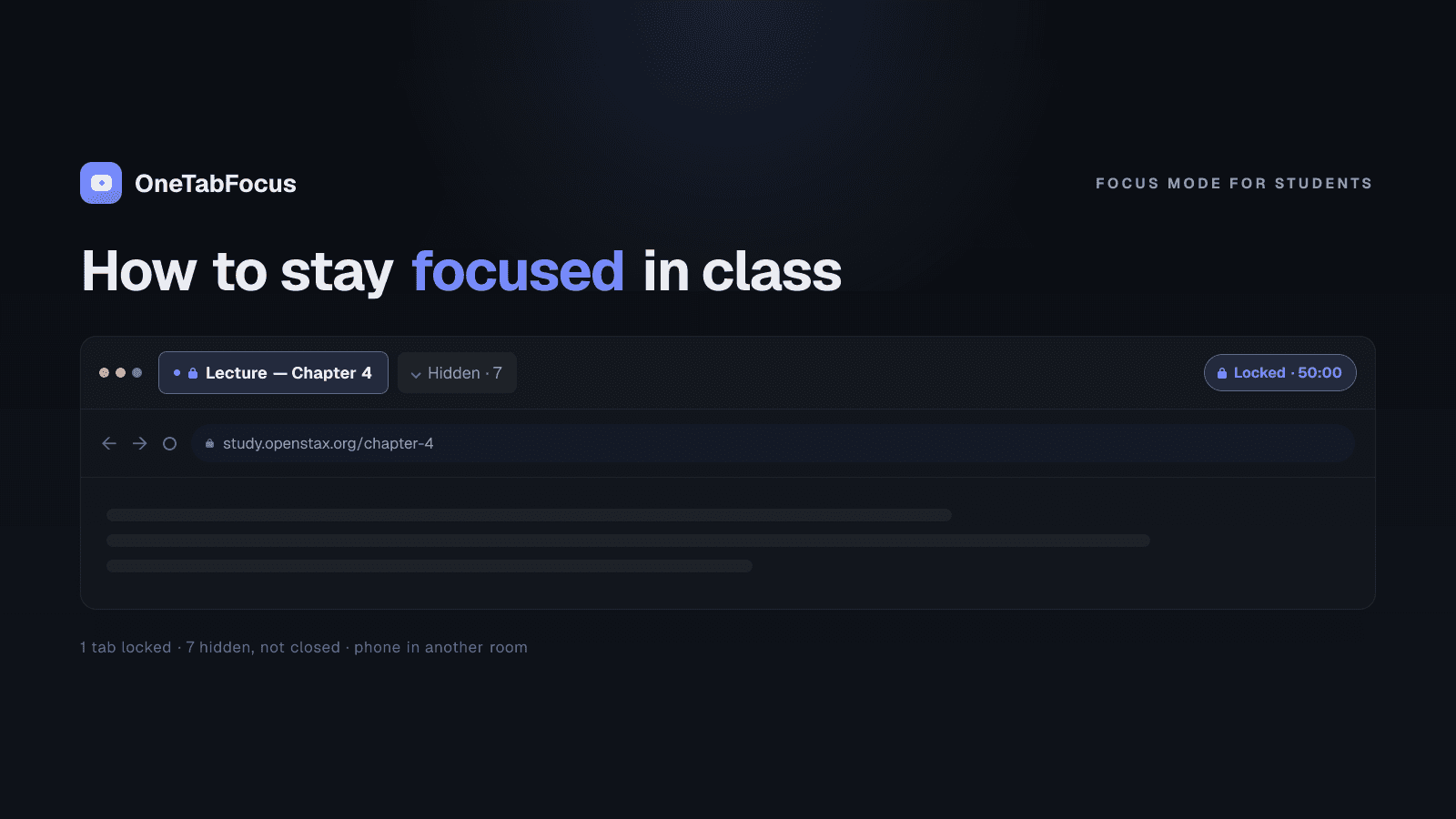
On this page
The laptop-in-class problem
A laptop in class used to be optional. In 2026 it is mostly required — slides are online, readings are PDFs, problem sets live in browser windows, the lecturer expects you to pull up the syllabus. The same device that delivers the lecture also delivers Twitter, Reddit, your group chat, and the email you've been meaning to answer. The research on what this does to learning is unambiguous, and the practical answer is a Chrome focus mode for the laptop you can't leave at home.
A 2013 study by Faria Sana, Tina Weston, and Nicholas Cepeda at McMaster University, published in Computers & Education, seated undergraduates in a simulated lecture and asked them to take notes while a researcher tracked their multitasking. Students who multitasked on a laptop scored lower on the comprehension test. So did students who weren't multitasking themselves but were sitting in direct view of someone who was — 17% lower, with no other variables changed. Your tab switching costs your neighbour points on the midterm.
The fix is not "don't bring the laptop." For most modern classes that's impractical. The fix is a real Chrome focus mode that locks the browser to the lecture materials for the duration of the class and a paper notebook for the notes you'd otherwise type. The rest of the post is what that looks like in practice.
What works during lecture
Three tactics matter, in roughly this order.
Lock the browser to your lecture materials
Open the slides, the reading, and your note-taking tab. Close everything else, or — better — start a focus session that locks Chrome to those tabs and collapses the rest into a single hidden chip in the tab strip. The cost of a tab switch is no longer the few seconds it takes to click — it's the 17% comprehension drop for you and the person behind you. Removing the option is more effective than relying on you to resist it every two minutes for an hour.
Take notes by hand for material you need to understand
Pam Mueller (Princeton) and Daniel Oppenheimer (UCLA) published a study in Psychological Science in 2014 titled The Pen Is Mightier Than the Keyboard. They found that students taking notes on laptops — even with the internet off and other applications closed — did worse on conceptual questions than students taking notes by hand. The mechanism: typing encourages verbatim transcription; the hand cannot keep up, so it forces you to summarise. Summarising is where understanding happens.
For lectures you need to understand — concepts, arguments, frameworks — bring a paper notebook. For lectures that are mostly transcription (legal cases, statistics, list-heavy material), typing is fine.
Leave your phone in your bag
A 2017 University of Texas study found that the mere presence of a smartphone on the desk — silent, face down, untouched — reduces measurable cognitive performance. Part of attention is spent on the active suppression of thinking about it. In a 50-minute lecture, that cost adds up. The phone in your bag is better than the phone face-down on the desk. The phone in your locker is best of all.
What works during study sessions
Class isn't the only place focus matters. The tactics for studying overlap with the in-class tactics but add structure.
- Use Pomodoro structure. 25 minutes of focused work, five minutes of break, repeat. Cleveland Clinic explicitly recommends Pomodoro for students and people with ADHD, and the 25-minute window is short enough to commit to starting — which is the hard part.
- Lock the browser to your study materials. Same pattern as in class. One tab for the reading, one for your notes, one for the problem set. Everything else hidden.
- Notes by hand for conceptual material. Mueller and Oppenheimer's finding extends to study sessions too. If you need to understand it, write it by hand.
- Phone in another room. A small physical barrier — one closed door, one walk down a hallway — raises the friction enough that you stop bothering to check.
The rule across both contexts: reduce the surface area for tab switches, and let the body do the work of summarising.
How OneTabFocus helps in class
OneTabFocus collapses every non-focus tab into a single 'Hidden' chip. Tabs are not closed: audio keeps playing, drafts are preserved, scroll position is preserved.
For a class, the practical pattern is to start a focus session at the beginning of the lecture, add the lecture slides plus any reference tabs you actually need to the focus group, and let the lock run for the duration of the class. The Discord tab, the email tab, the news site, the YouTube video you didn't quite close — all hidden. When the lecture ends, everything is back exactly where it was. See the Chrome focus mode page or the tab lock page for the deeper mechanics. Otherwise install OneTabFocus before your next class.
FAQ
Why is it so hard to focus in class on a laptop?
Because the laptop is the lecture hall and the distraction hall at the same time. Sana, Weston, and Cepeda's 2013 study at McMaster University found students who multitasked on a laptop during lecture scored lower on comprehension tests, and students sitting in direct view of a multitasking peer scored 17% lower. The screen is the problem.
Is it better to take notes by hand or on a laptop?
By hand for material you need to understand; laptop is fine for verbatim transcription. Mueller and Oppenheimer's 2014 Psychological Science study found students taking laptop notes did worse on conceptual questions because typing encourages verbatim transcription, while writing by hand forces summarisation — which is where understanding happens.
Should I close my laptop during lecture?
Not necessarily. Many lectures need a laptop for slides, problem sets, or readings. The fix is not closing the laptop but locking the browser to the lecture materials so other tabs aren't reachable. Pair that with a paper notebook for notes and you have the benefits of the laptop without the cost of the tab switching.
What's the best Chrome extension to stay focused in class?
Look for one that locks the browser to your lecture tabs for a set duration rather than one that maintains a blocklist. OneTabFocus holds the browser to your slides plus any reference materials for the length of the class, then restores your other tabs at the end. StayFocusd works if your problem is a named site.