
How to Stay Focused While Studying — A Real Method
Most study-focus advice ignores the laptop you're studying on. Here's how to stay focused while studying — lock the browser to one tab and protect the block.
 CollinFounder, OneTabFocus8 min read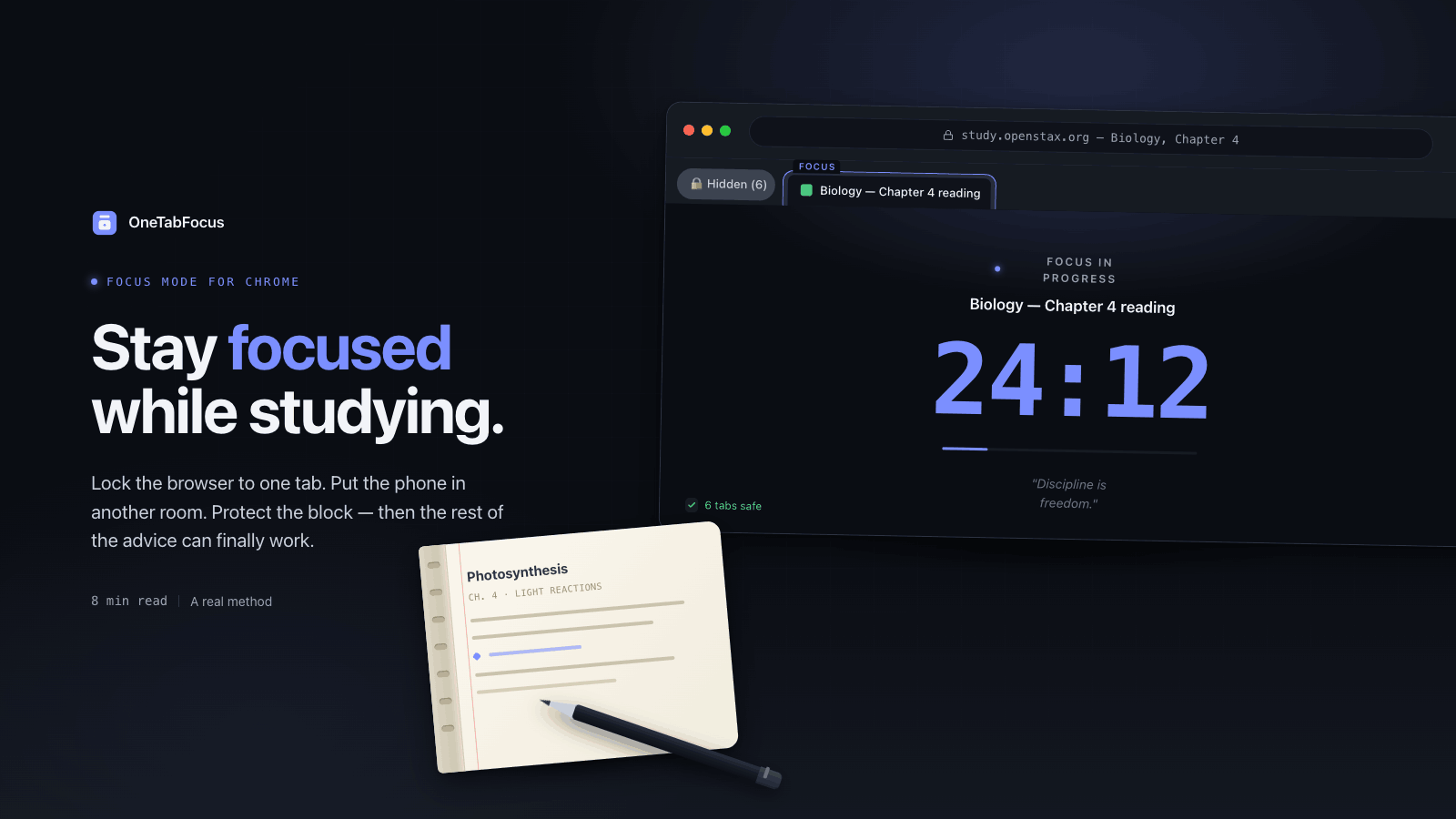
On this page
- Why studying is harder than it used to be
- The strategies that actually move the needle
- 1. Lock the browser to one tab
- 2. Put your phone in another room
- 3. Run a 25-minute Pomodoro
- 4. Take notes by hand for anything you need to understand
- 5. Build a study environment that costs you nothing to enter
- The advice you have already read (and why it is not enough)
- How OneTabFocus helps
Why studying is harder than it used to be
Sleep, a tidy desk, a clear goal, a 25-minute Pomodoro — every "how to focus while studying" guide on the internet lists the same set of tips. They are not wrong. Most of them are backed by real research on cognitive fatigue, goal-setting, and recovery breaks.
They are also, on their own, insufficient. Because most of them ignore the actual problem in front of you: the laptop you are studying on is the most efficient distraction-delivery system ever built. Locking your browser before you do anything else is the keystone habit that makes the rest of the advice work. There is no amount of sleep that out-competes a one-keystroke jump to a new tab. You need a real Chrome focus mode in place before the other tips can hold.
Here is what the research actually says about why this is so hard.
In a 2013 study published in Computers & Education, Faria Sana and colleagues seated undergraduates in a simulated lecture and asked them to take notes. Half were allowed to multitask on a laptop, half were not. Students who multitasked scored lower on a comprehension test. So did students who weren't multitasking themselves but were sitting in direct view of someone who was — 17% lower, with no other variables changed.
A separate line of research from Pam Mueller (Princeton) and Daniel Oppenheimer (UCLA) found that even when laptops are used only to take notes — internet off, no other applications — students do worse on conceptual questions than students taking notes by hand. The mechanism: typing encourages verbatim transcription; the hand cannot keep up, so it forces summarisation. Summarising is where understanding happens. See their 2014 paper in Psychological Science, The Pen Is Mightier Than the Keyboard.
Both findings point in the same direction. The device that delivers the material also interferes with your processing of the material. Generic study tips do not fix that.
The strategies that actually move the needle
1. Lock the browser to one tab
If you change exactly one thing about how you study, change this. Hide or lock every browser tab that is not the thing you are studying. Not a blocklist — a blocklist is just a list, and your future self will disable it. A real lock: an environment where the next tab over is not reachable.
This is where most students fail to fix the problem, because the default thinking is "I'll just have a little discipline." A 2017 study from UT Austin found that the mere presence of your phone in the room — face down, silent, untouched — reduces measurable cognitive performance, because part of your attention is spent on the active suppression of thinking about it. See the paper in the Journal of the Association for Consumer Research: Brain Drain: The Mere Presence of One's Own Smartphone Reduces Available Cognitive Capacity. A 2022 replication by Ruiz Pardo and Minda found a smaller effect than the original, so don't over-read the magnitude — but the directional finding holds, and it applies just as well to open tabs in the periphery.
When the browser is locked to one tab, the suppression stops. The choice is removed, not fought.
2. Put your phone in another room
Same principle, different device. The phone in your pocket is the phone in your pocket; the phone in a drawer in the kitchen is, for the next 25 minutes, somebody else's problem. The Ward study above measured this directly — face-down on the desk was worse than in a bag, which was worse than in another room.
The strongest version of this rule: a small physical barrier (one closed door, one walk down a hallway) raises the friction of checking enough that you stop bothering. Willpower is not the asset. Geometry is.
3. Run a 25-minute Pomodoro
A Pomodoro is a 25-minute focus block followed by a 5-minute break. After four cycles, you take a longer 15- to 30-minute break.
A 2026 fact-check in The Brown Daily Herald reviewed the available research and concluded that students using systematic break-taking techniques like Pomodoro reported being more concentrated and motivated than peers choosing their own break schedule, and that the technique specifically reduces procrastination by converting a vague "study for biology" task into a concrete first 25-minute commitment. The full piece is here.
The break is not optional. Walking away from the screen for five minutes is what the prefrontal cortex uses to recover. Skipping the break to keep going is exactly the wrong move.
4. Take notes by hand for anything you need to understand
This is the Mueller and Oppenheimer finding from earlier. If you are typing to transcribe — copying definitions, recording quotes — a laptop is fine. If you are studying material you need to understand (concepts, arguments, frameworks), use a notebook. The hand's slowness is the feature, not the bug.
For the kind of studying where the laptop has to be open anyway — readings, course videos, problem sets — keep the focus tab locked and put a paper notebook to the right. Take notes there.
5. Build a study environment that costs you nothing to enter
The last finding worth knowing comes from Gloria Mark at UC Irvine: after a single interruption, it takes the average worker 23 minutes and 15 seconds to fully return to the original task. A study session that gets interrupted four times has lost an hour and a half before any of the disruption is even visible to you.
You cannot prevent every interruption. You can lower the chance of self-interruption by removing the activation energy from the study block itself. Same chair every day. Same window. Same physical setup. The laptop opens to the locked focus tab, the notebook is already there, the water bottle is already filled. The decision to start becomes no decision at all.
The advice you have already read (and why it is not enough)
You have seen all of this before: sleep eight hours, hydrate, eat protein, exercise in the morning, try meditation, set clear goals. None of it is wrong. Goal-setting research from Edwin Locke and Gary Latham estimates that specific written goals can improve task performance by 11–25%. Sleep deprivation measurably degrades working memory. Hydration matters.
These tips are insufficient because they address the inputs to focus, not the environment in which focus has to operate. A well-rested, hydrated, well-fed student with clear goals will still lose a study block to a YouTube recommendation that appears in the tab strip. Generic advice optimises the runner; it does nothing about the obstacle course. Fix the course first.
How OneTabFocus helps
OneTabFocus collapses every non-focus tab into a single 'Hidden' chip. Tabs are not closed: audio keeps playing, drafts are preserved, scroll position is preserved. When the study session ends, the original tab groups are restored exactly — same colors, same titles, same membership. Nothing about your work is lost; the surface area for distraction is just temporarily zero.
For longer study days, the same lock works inside a Pomodoro cycle.
Pomodoro mode runs configurable focus and break cycles. The lock holds through breaks — you get a pause screen, not a return to distraction. The focus phase resumes automatically.
A five-minute break stays a five-minute break.
If you want the deeper mechanics, see the Chrome focus mode page or the Pomodoro page. Otherwise, install OneTabFocus and run one 25-minute session on whatever you are studying today.
FAQ
How long should a study session be?
Start with one 25-minute Pomodoro. If you reach the timer with energy left, take a full five-minute break and run a second. Most students hit a real wall around 90 minutes of total focused work — that is the limit of what the prefrontal cortex sustains before recovery. Plan longer study days as multiple 90-minute blocks.
Does music help you focus while studying?
Music with vocals or unpredictable structure generally hurts focus on language-heavy tasks, because both compete for the same neural resources. Instrumental, low-arousal music (ambient, classical, lo-fi) is more neutral and can mask distracting background noise. For pure problem-solving and reading comprehension, silence or pink noise tends to beat music. Try both and notice what changes.
Why can't I focus while studying?
Most often the environment is the cause, not your willpower. Open tabs, a visible phone, ambient notifications, and a cluttered desk each drain cognitive capacity even when you're successfully ignoring them. Remove the temptations physically — lock the browser, move the phone, clear the desk — before assuming the problem is something internal you need to fix.
What is the best Chrome extension for studying?
Look for one that locks your browser to the study tab rather than one that maintains a blocklist. Blocklists rely on you not disabling them; locks remove the choice for the duration of the session. OneTabFocus collapses other tabs into a single hidden chip without closing them, so audio and drafts survive the session.