
Best Chrome Tab Manager (Hide, Don't Close)
An honest 2026 round-up of the five Chrome tab managers worth knowing — OneTab, Toby, Workona, Tab Session Manager, and OneTabFocus — ranked by problem solved.
 CollinFounder, OneTabFocus11 min read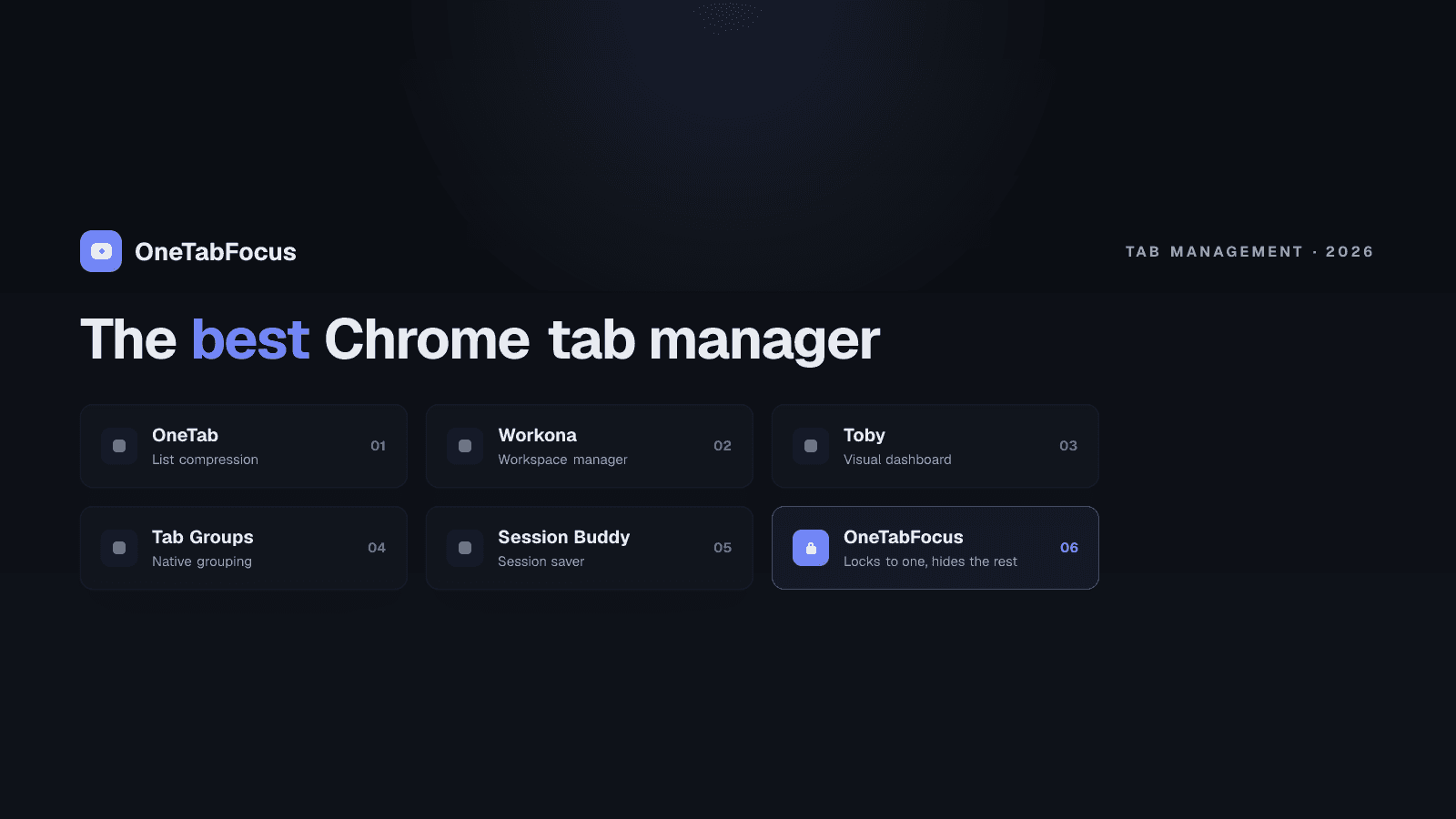
On this page
- Three categories of Chrome tab manager
- The five tab managers worth knowing
- Comparison table
- The five extensions, ranked by what they solve
- 1. OneTab — close and list (cleanup)
- 2. Toby — visual dashboard (organize)
- 3. Workona — workspace-grade tabs (organize)
- 4. Tab Session Manager — save and restore (cleanup + restore)
- 5. OneTabFocus — hide without closing (focus)
- How to pick
- How OneTabFocus fits
Three categories of Chrome tab manager
The Chrome Web Store lists hundreds of extensions described as "tab managers," but they fall into three categories that solve different problems — and a tab lock is the category most round-ups miss. Naming the categories first makes the rest of the post easier to navigate.
Cleanup tools collapse a mess of open tabs into a saved list, freeing memory and clearing the strip. The canonical examples are OneTab and Tab Session Manager. Best for the end-of-day "I have 80 tabs open and need to start tomorrow clean."
Organizers turn the new-tab page or a sidebar into a project dashboard, grouping recurring tabs into labelled workspaces. Toby and Workona are the leaders. Best for long-horizon project organisation where the same set of tabs needs to be accessible together over weeks.
Focus tools hide your tabs for a defined duration without closing them, preserving the live state of every tab so you don't lose work. This is what OneTabFocus does, and it's the category most "best tab manager" round-ups skip. Best for defending a focus block where you need your tabs to come back exactly when the block ends. If your problem is the focus-block case, you want a tab lock — not a cleanup tool.
The cleanest test for picking a category: at the end of the day, do you want the tabs gone, organised, or back exactly where they were? Each is a legitimate answer to a different question.
The five tab managers worth knowing
The full Chrome tab-manager space has hundreds of entries, most of them abandoned or thin. The five tools below are the ones that are actively maintained, have meaningful install bases, and do their one job well. The post compares them, recommends them by use case, and positions OneTabFocus as the category-defining entry for the focus-block case.
The 2021 Carnegie Mellon HCII research on tab overload, presented at the ACM CHI conference, found more than half of users felt they could not close any of their tabs and 25% had crashed their browser from too many. The "just close them" advice doesn't work for most people. A tab manager that hides instead of closing is often the better answer.
Comparison table
| Extension | Category | Pricing (May 2026) | What it does | Best for |
|---|---|---|---|---|
| OneTab | Cleanup | Free | Collapses all open tabs into a single list page; saves up to 95% memory | End-of-day cleanup; freeing memory; sharing tab lists |
| Toby | Organize | Free + paid team plans | Replaces new-tab page with a visual dashboard of grouped tab collections | Long-horizon project organisation across many topics |
| Workona | Organize | Free (5 workspaces) + Pro $8/mo | Workspace-grade tab manager with project workspaces, docs, integrations | Heavy multi-project workflows (consultants, PMs) |
| Tab Session Manager | Cleanup + restore | Free | Saves and restores windows, tabs, and sessions; cloud sync via Google Drive | Saving sessions across crashes; multi-device restore |
| OneTabFocus | Focus | Free + $24/yr Pro | Locks Chrome to one tab plus reference tabs for a chosen duration; hides the rest | Hiding tabs during a focus block without losing state |
The five extensions, ranked by what they solve
1. OneTab — close and list (cleanup)
OneTab is the original tab-strip cleanup tool. One click and every open tab in the window is collapsed into a single list page you can restore from. The company claims up to 95% memory savings, which matches independent measurements — closed tabs no longer hold render processes. Free, with a 4.5-star rating across 30,000+ reviews.
What it is actually good at: end-of-day cleanup. You've been researching, you've accumulated 40 tabs, you're done for the day, you want the strip clear and the memory back without losing the URLs. The list page is searchable and shareable.
The trade-off: OneTab closes tabs to put them in the list. Audio stops. Drafts in forms disappear. Scroll position resets. Restoring a tab opens a fresh load, not the live state you left. For research recovery this is fine; for an active focus block where you need to keep working state intact, it is the wrong tool.
2. Toby — visual dashboard (organize)
Toby replaces the Chrome new-tab page with a visual dashboard where you organise frequently-used tabs and saved links into collections. The #1 Chrome Extension on Product Hunt, used by teams at Google, Netflix, HubSpot, and IBM. Free for individuals; paid plans for teams.
What it is actually good at: long-term project organisation across many topics. If you have 12 active client projects and want a visual workspace that surfaces the right links per project on demand, Toby is the strongest option here.
The trade-off: Toby is a dashboard, not a focus tool. It helps you organise your tabs over weeks; it does not help you stop switching between them in the next 75 minutes. Pair with a focus tool if both problems apply.
3. Workona — workspace-grade tabs (organize)
Workona is the heaviest tab manager in this list. It organises tabs into project workspaces with integrated docs, notes, and task lists, and it syncs across devices. Pricing is free for five workspaces, then $8 per month for Pro.
What it is actually good at: consultants, project managers, and anyone juggling more than five simultaneous projects with persistent context. The workspace model is genuinely useful when "project" is the unit of work and you want to put a project away cleanly at the end of the day.
The trade-off: the free tier's five-workspace cap is tight, and Pro is the most expensive tool in this list. Workona also takes time to set up — it is not a one-click install-and-go tool.
4. Tab Session Manager — save and restore (cleanup + restore)
Tab Session Manager saves and restores entire windows and tabs, with automatic saves at intervals and on window close. Sessions can be named, tagged, and synced to Google Drive for cross-device access. Developed by independent maintainer Sienori, free.
What it is actually good at: surviving crashes. If you've ever lost an hour of research because Chrome crashed and the auto-restore didn't pick up all your tabs, Tab Session Manager is the safety net. The named-session feature is useful for "work mode" vs "personal mode" tab loadouts you switch between.
The trade-off: a lower Chrome Web Store rating (2.9 stars at last count) reflects sporadic reports of session loss after extension updates. The functionality is solid when it works; the reliability is the weak spot. Treat it as a complement to other tab management, not a primary tool.
5. OneTabFocus — hide without closing (focus)
This is us. OneTabFocus is a Chrome extension that locks the browser to one tab — or a small set of reference tabs — for a chosen duration. During the lock, every other tab is collapsed into a single grey "Hidden" chip in the tab strip. The tabs are not closed: audio keeps playing, drafts are preserved, scroll position is preserved. When the session ends, the original tab groups are restored exactly as they were.
What it does that the others do not: hide tabs without losing their state, then put them back exactly. OneTab compresses by closing; Toby and Workona organise without hiding; Tab Session Manager saves and restores at the session boundary. OneTabFocus hides during a focus block and restores at the end of it, which is the gap the other four leave open.
Where it is not the right choice: if your problem is end-of-day cleanup, OneTab is simpler. If your problem is organising 12 projects, Workona is more powerful. We are the focus-block tool; that is the point.
How to pick
- You have 80 tabs open at end of day and want a clean slate. → Install OneTab.
- You want a visual dashboard for stable project tab collections. → Install Toby.
- You manage 5+ projects with persistent workspaces and team sharing. → Install Workona.
- You want a safety net for sessions across crashes and devices. → Install Tab Session Manager.
- You need to hide your tabs during a 60- to 90-minute focus block without losing their state. → Install OneTabFocus.
You can install more than one. The categories don't conflict — many users run OneTab for cleanup and OneTabFocus for focus blocks. They solve different problems.
How OneTabFocus fits
OneTabFocus collapses every non-focus tab into a single 'Hidden' chip. Tabs are not closed: audio keeps playing, drafts are preserved, scroll position is preserved.
When the session ends, the original tab groups are restored exactly — same colors, same titles, same membership.
That is the "hide without losing context" model in two sentences. For the deeper mechanics of the lock — multi-tab focus groups, Pomodoro mode, force-return guards — see the tab lock page. For the direct OneTab comparison, see the OneTab alternative page. Otherwise, install OneTabFocus and run one 75-minute block to feel how the restore works.
FAQ
What is the best Chrome tab manager?
No single tool wins overall — the right one depends on the problem. For end-of-day cleanup, OneTab. For long-term project organisation, Toby or Workona. For saving and restoring sessions across crashes, Tab Session Manager. For hiding tabs during a focus block without losing their state, OneTabFocus. Pick by what you actually need fixed.
Is there a free Chrome tab manager?
Yes — most of the major options have free tiers. OneTab is fully free. Tab Session Manager is fully free. Toby is free for individuals with paid team plans. Workona has a 5-workspace free tier with Pro at $8/month. OneTabFocus is free to install with Pro features at $24/year. There is no need to pay to get started.
Does Chrome have a built-in tab manager?
Partially. Chrome ships with native tab groups — you can right-click a tab, add it to a group, and collapse the group into a single chip. That covers basic grouping. It does not cover cleanup, project workspaces, session restore, or focus-block enforcement, which is why most users add an extension on top of the native tab-group feature.
What's the difference between a tab manager and a session manager?
Tab managers organise or focus the tabs you have open right now (Toby, Workona, OneTabFocus). Session managers save the state of windows and tabs so you can restore it later, including after a crash (Tab Session Manager). OneTab does a little of both — it compresses tabs into a saved list. The categories overlap but solve different problems.