
How to Stop Tab-Switching and Reclaim Focus
Tab-switching is a dopamine-seeking response, not a productivity habit. Here's the neuroscience, why willpower fails, and the four moves that actually stop it.
 CollinFounder, OneTabFocus8 min read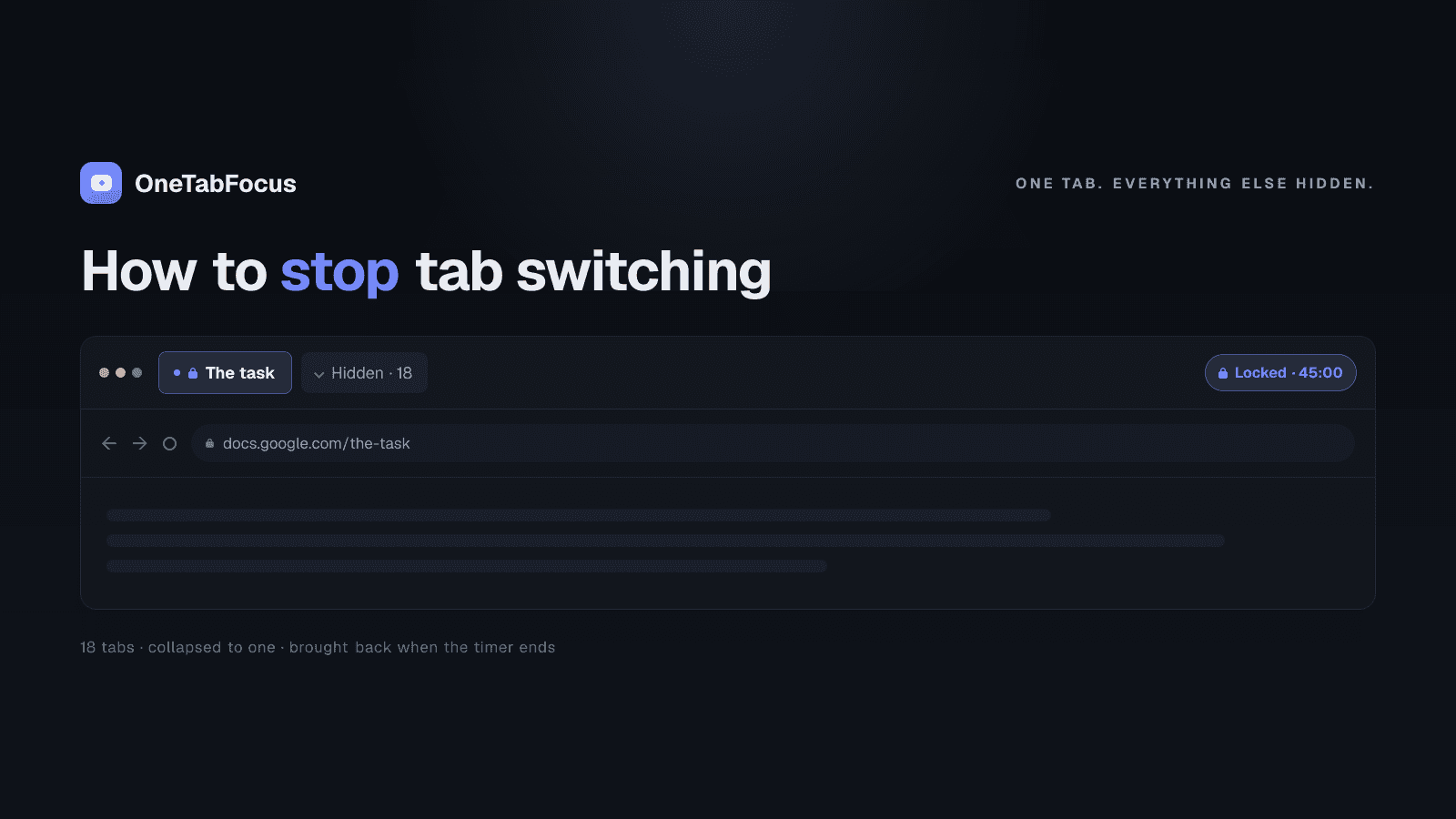
On this page
- Why you keep switching tabs
- Why willpower is the wrong intervention
- The four ways to stop tab-switching
- 1. Lock the browser to your task tab
- 2. Cut the notification frequency at the OS level
- 3. Batch related work into time blocks
- 4. Use a short Pomodoro to commit to starting
- How OneTabFocus stops tab-switching
Why you keep switching tabs
You did not decide to switch tabs. You decided to focus on a task, opened the task, told yourself you would not switch, and twenty seconds later you were on Twitter. The decision was made by a different part of you than the one that read this sentence — the part that responds to novelty before the part that responds to plans can object. A real Chrome focus mode is the only intervention that talks to the right part.
The mechanism is dopamine. The brain treats new and interesting things as rewards in advance, releasing dopamine when novelty appears in the periphery. A Slack notification, a tab with an unread badge, a YouTube thumbnail still loading — each is a tiny novelty signal, and the brain reaches for it the way it would reach for food when hungry. This is the same wiring that made the species successful at noticing new things in the savannah; in 2026 it is the wiring that loses you a Pomodoro to a tab strip.
Gloria Mark's research at UC Irvine has spent twenty years measuring how often this happens and what it costs. In her longitudinal data, average screen dwell-time has fallen from 2.5 minutes in 2004 to roughly 47 seconds today, and after a single interruption it takes the average worker 23 minutes and 15 seconds to return to the original task. The cost of a tab switch is rarely just the few seconds the switch takes. The cost is the rest of the focus block. A real Chrome focus mode is the part of the system that actually does the catching.
Why willpower is the wrong intervention
The standard advice is to try harder — close the social media tabs, silence the notifications, focus harder. This works for some people for some windows and then fails. The reason it fails is that willpower asks you to suppress the dopamine-seeking response continuously, and suppression is itself a cognitive load that the prefrontal cortex eventually runs out of.
A 2017 study from the University of Texas measured this directly with smartphones. The researchers found that the mere presence of a smartphone on the desk — silent, face-down, untouched — reduced measurable cognitive performance, because part of attention was spent on the active suppression of thinking about it. Open browser tabs work the same way. Each open tab in the tab strip is a tiny novelty candidate. Suppressing the impulse to click them is a real, ongoing cognitive cost. The discipline tax adds up over a 75-minute block.
Sophie Leroy's attention residue research compounds the cost. Even when you do successfully resist a tab switch, the act of considering and rejecting the switch leaves residue that degrades the next several minutes of work. The cleanest path is not to consider the switch at all.
The four ways to stop tab-switching
Four moves, in roughly the order of how much they reduce the suppression load.
1. Lock the browser to your task tab
The strongest intervention. A tab lock holds the browser to your task tab plus a small set of reference tabs for the duration of a focus block. The other tabs are collapsed into a single grey "Hidden" chip in the tab strip and are not reachable for the duration. The dopamine-seeking response still fires; there is nowhere for it to go.
This is the model that fixes the core problem because it removes the trigger entirely. The Texas study above is about presence, not interaction — the cost is incurred by the temptation itself, not by giving in to it. Hide the temptation and the cost goes to zero.
2. Cut the notification frequency at the OS level
Most tab switches in knowledge work are not idle browsing — they are responses to a notification. A Slack ping, an email arrival, a system update. OS-level do-not-disturb (macOS Focus, Windows Focus assist) cuts most of the chat and email pings for the duration of a focus block. Slack also has a built-in "Pause notifications" function that lets you set a duration.
Microsoft's 2024 Work Trend Index found knowledge workers are interrupted on average every two minutes during core hours, mostly by chat and email. Silencing the interruption surface drops the frequency by an order of magnitude, which means the suppression load drops too.
3. Batch related work into time blocks
When you keep switching from task A to task B to task A, you are paying Leroy's attention residue cost on every switch. Batching addresses the residue by keeping similar tasks together. Process email in one 30-minute block, do design review in one 45-minute block, write in one 90-minute block. The brain stops paying the switch cost because there is no switch.
This isn't strictly about tab switching, but it removes the upstream cause for many of the switches you do make. A draft you've been holding open in a tab for a week is a switch candidate; a draft you've scheduled to finish in a defended 90-minute block tomorrow morning is not.
4. Use a short Pomodoro to commit to starting
Sometimes the tab switch happens because you didn't really start. The task is vague, the next move isn't obvious, so the brain reaches for novelty as a substitute for the work that hasn't begun. A 25-minute Pomodoro converts the vague task into a concrete time-bound commitment — "spend the next 25 minutes writing the intro paragraph" beats "work on the report." Starting is the hardest part; the Pomodoro is the cheapest way to make starting trivial.
How OneTabFocus stops tab-switching
OneTabFocus collapses every non-focus tab into a single 'Hidden' chip. Tabs are not closed: audio keeps playing, drafts are preserved, scroll position is preserved.
The model addresses the dopamine-seeking response at its source. The other tabs are not visible in the strip, the new-tab button creates a tab inside the focus group, and the focus wall catches any tab opened via the omnibox. The suppression cost goes to zero because there is nothing to suppress.
For the deeper mechanics — multi-tab focus groups, Pomodoro mode, force-return guards against accidental window switches — see the Chrome focus mode page or the tab lock page. Otherwise install OneTabFocus and run one 25-minute lock on whatever you have been trying to ship.
FAQ
Why do I keep switching tabs?
Because the brain seeks novelty and a new tab is the cheapest novelty hit available. The dopamine-seeking response fires when something new appears in the periphery — a notification badge, a Slack ping, an open Twitter tab. The switch is the brain doing what it is wired to do; the fix is to remove the trigger, not fight it.
Is tab-switching the same as multitasking?
Closely related but not identical. Multitasking is doing multiple things at once; tab-switching is sequentially attending to multiple tabs. The cognitive cost is similar — both fragment attention and incur recovery time after each switch. Gloria Mark's research at UC Irvine puts the average recovery time at 23 minutes and 15 seconds for a single interruption.
How long does it take to recover from a tab switch?
Gloria Mark's research at UC Irvine measured an average of 23 minutes and 15 seconds to fully return to the original task after a single interruption. A focus block interrupted four times has lost an hour and a half before any of the cost is visible to you. The cheapest interruption to prevent is the self-initiated tab switch.
Will a website blocker stop tab-switching?
Only for sites on the blocklist. The distractions that wreck most focus blocks are your own work tabs — Linear, Notion, Slack, your draft — and those aren't on a blocklist. A tab lock holds the browser to your task tab plus reference tabs, which actually stops focus-block tab-switching whether the destination is a distractor or work.